Download YouTube Videos — Safely, for Free
No sketchy websites. No pop-up ads. No malware. Downlodr is a free, open-source desktop app that downloads videos from YouTube — and 1,800+ other sites — in a few clicks.
How to download a YouTube video with Downlodr
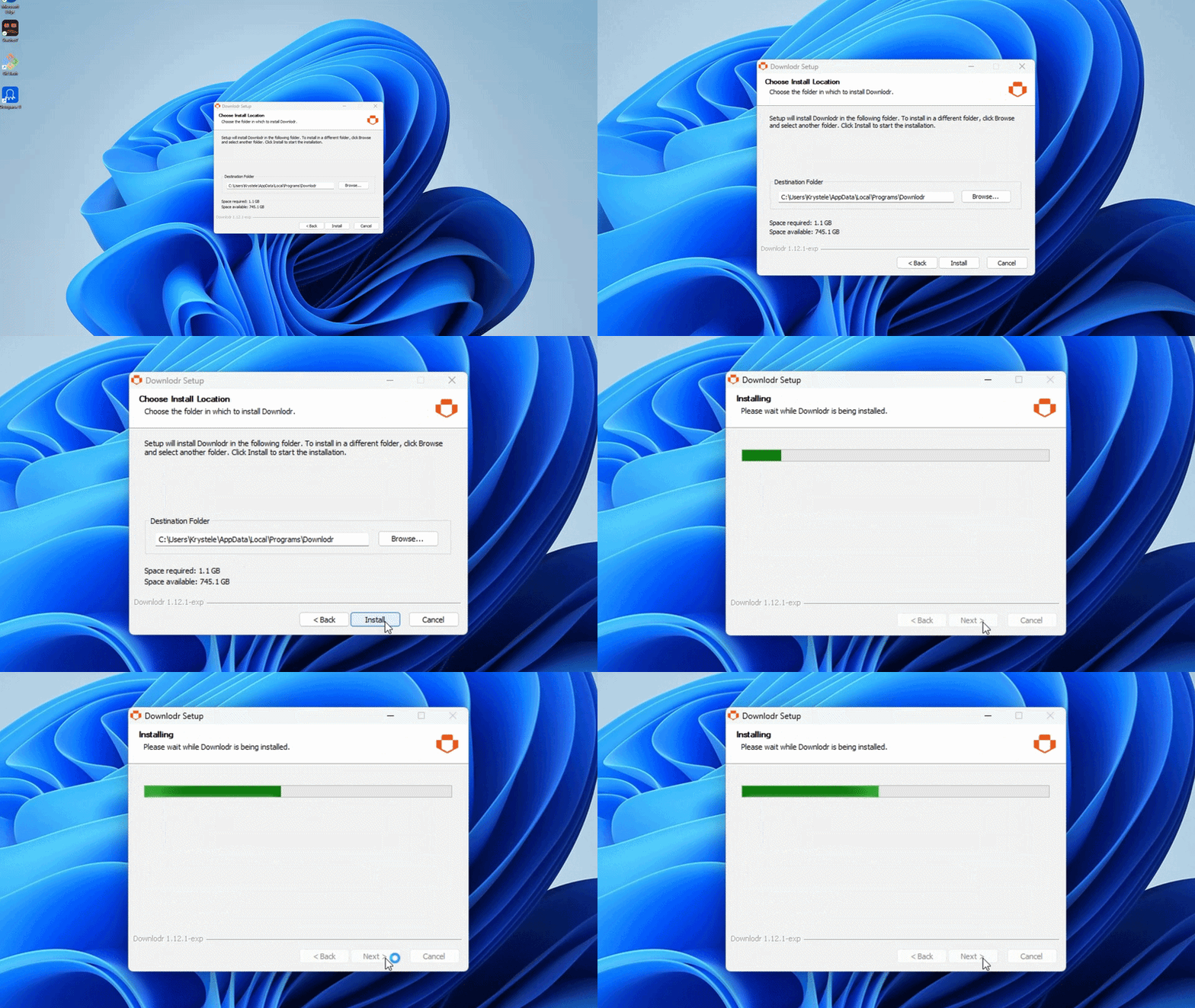
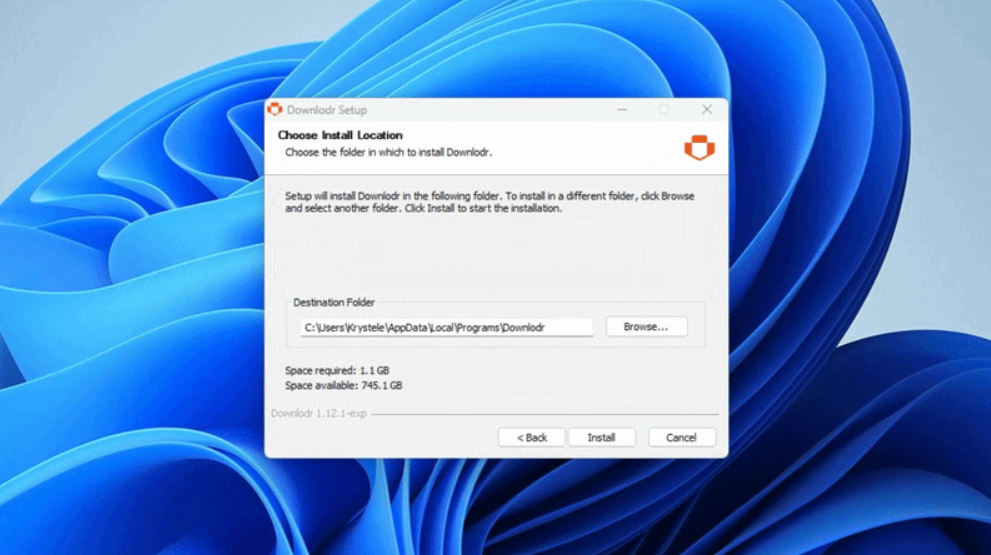
Install Downlodr on Windows, macOS, or Linux. The installer is signed and the source code is public.
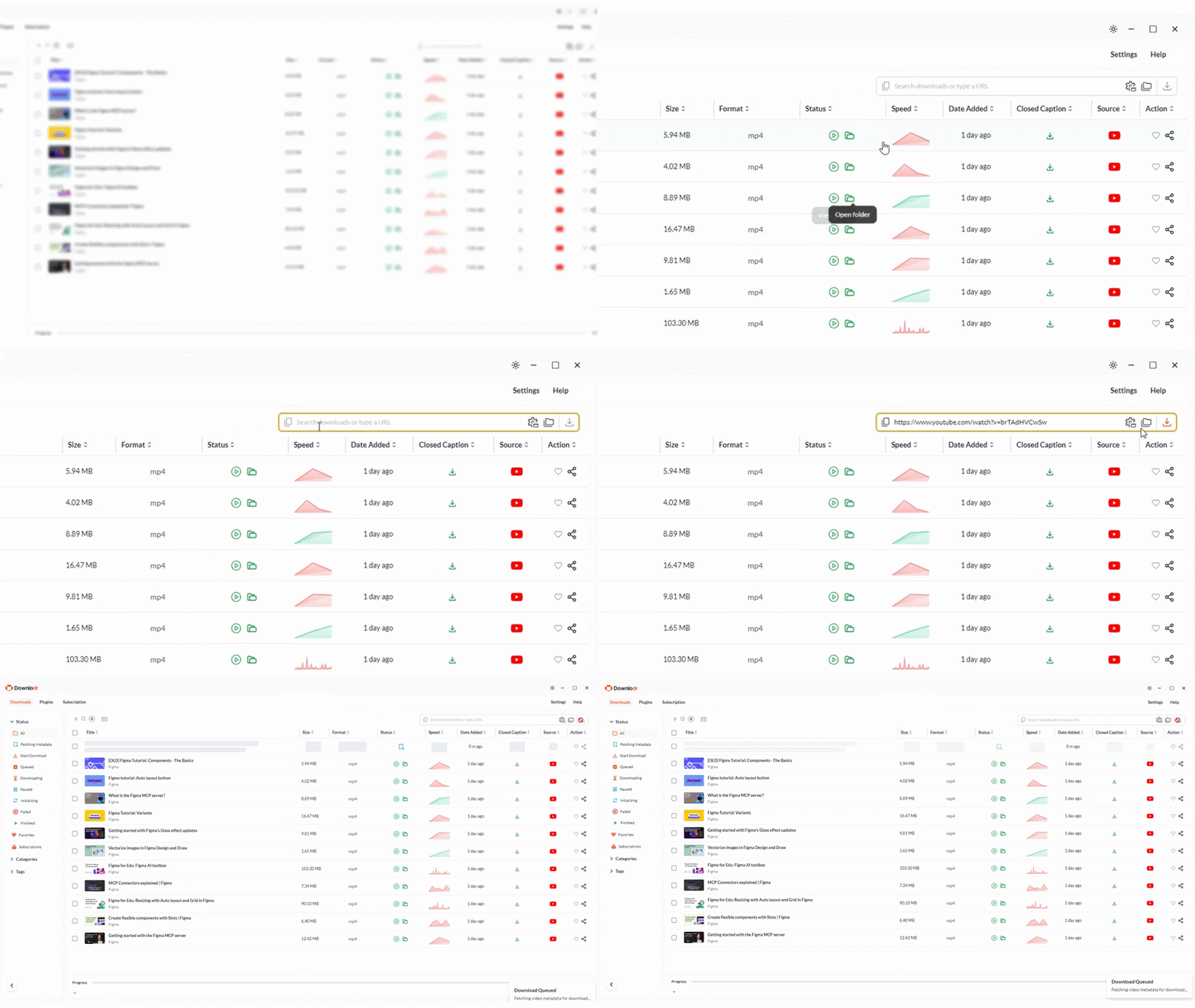
Paste the YouTube link — single video, playlist, or full channel URL.
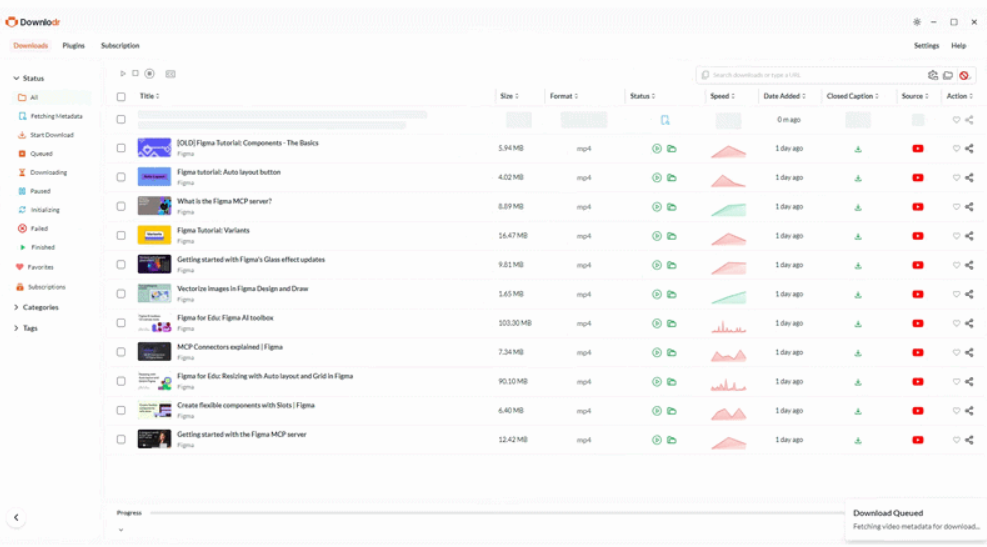
Pick the quality and format (up to 4K / 8K where the source supports it) and click Download. The file lands in your chosen folder.
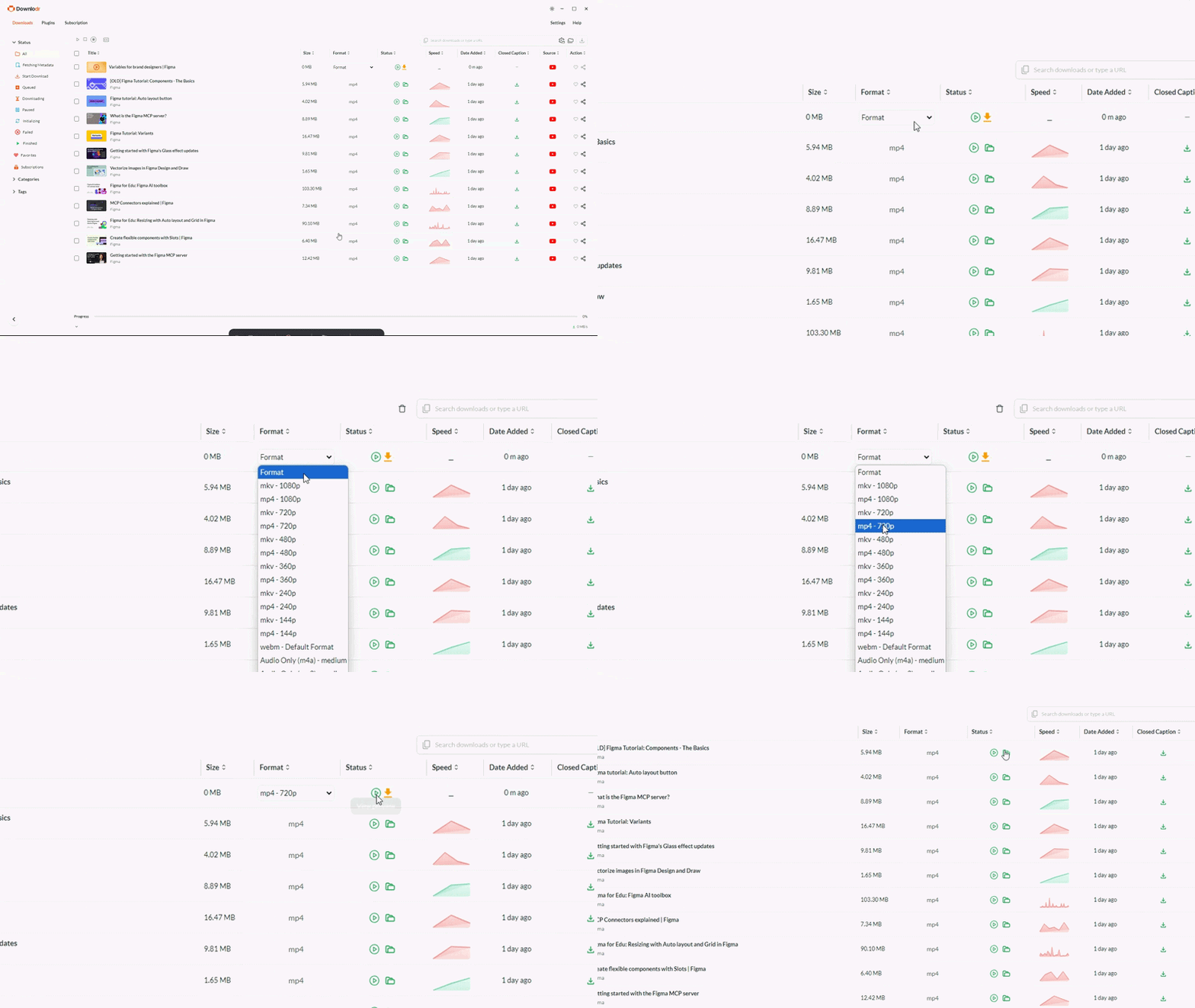
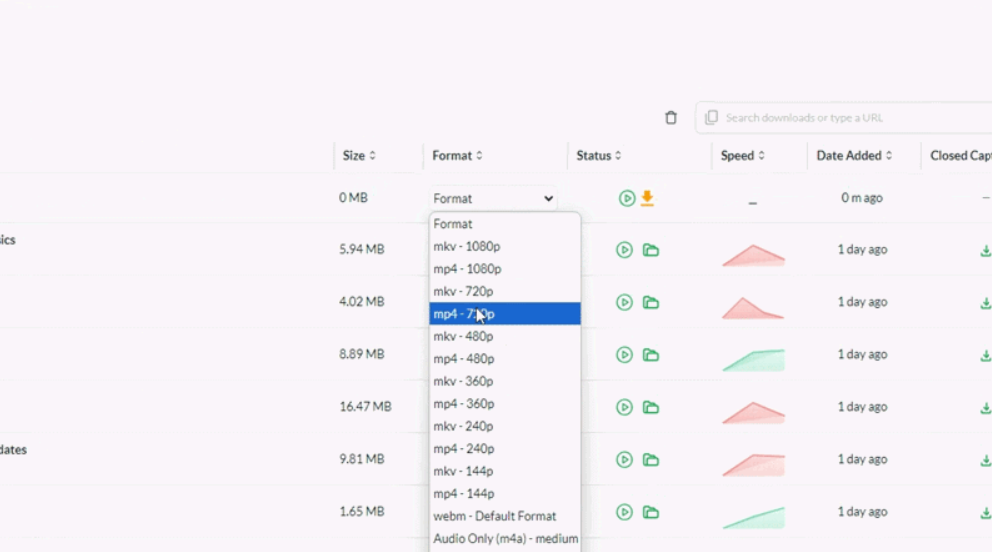
That’s the whole flow. No account, no upload to a third-party server, no waiting in a queue behind ads.
What makes Downlodr different from y2mate, SaveFrom, and the rest
Free YouTube download sites are notorious for ads, redirects, and bundled malware. Downlodr is a desktop app, not a browser site — your video never touches a third-party server, and there’s nothing to click past to start the download.
| Feature | Sketchy sites (y2mate, SaveFrom, etc.) | Downlodr |
|---|---|---|
| Pop-up ads & redirects | Many, often misleading | None |
| Malware risk | Flagged by browser security tools | Open source, signed installer |
| Video uploaded to their server | Yes — your link is processed remotely | No — local processing on your machine |
| Quality cap (forces you to "upgrade") | Often capped at 720p free | Up to source resolution (4K/8K) |
| Channel / playlist subscriptions | Not supported | Yes — queue new uploads (Skedulosa) |
| Preview without downloading | Not supported | In-app streaming |
| Cost | "Free" with ads & tracking | Free, no ads, no data collection |
Features built for YouTube downloads
Downlodr is a free desktop video downloader with 1 million+ users and support for 1,800+ sites. Built for YouTube specifically, it offers five capabilities the typical browser-based downloader does not. Format and quality selection covers MP4, MKV, WebM, MP3, and M4A, with resolutions up to 4K and 8K wherever the source provides them — no artificial cap, no “upgrade to unlock” gate. Skedulosa channel subscriptions watch a YouTube channel or playlist and add new uploads to your download queue as they appear, ready to download with one click; you stay in control of when downloads actually run. In-app streaming lets you preview any video inside the app before deciding to download — a common workflow for archivists processing a long queue. Smart Organize sorts the resulting library automatically using NLP-based analysis of metadata and titles, so no manual tagging is required. Batch downloads let you queue dozens of videos at once with bandwidth throttling, useful for clearing large backlogs.
For example: a teacher archiving an educational YouTube channel for offline classroom use can paste the channel URL once, set Skedulosa to track new uploads at 1080p MP4, and have new videos appear in the queue as the creator publishes them — ready to download in bulk whenever the teacher returns to the app.
Frequently asked questions
Yes — Downlodr is 100% free with no usage limits on any feature. Every capability listed on this page (YouTube downloads at any quality, channel subscriptions, playlist downloads, in-app streaming, Smart Organize, batch jobs) is included at no cost. Downlodr is open source under a permissive license, so you can verify there is no paywall hidden in the code.
No. Downlodr is a privacy-first desktop application with zero analytics, telemetry, or tracking. The URLs you download are processed locally on your machine and never transmitted to any third-party server. There is no account system to associate downloads with, by design.
Downlodr fetches whatever the source provides, up to 4K and 8K resolution where YouTube offers it. You select the resolution from a dropdown before downloading — there is no artificial cap, no “upgrade to unlock 1080p” gate, and no quality-stripping that browser-based downloaders typically apply.
Yes. Paste the playlist or channel URL and Downlodr queues every video for download with one click. With the Skedulosa subscription feature, Downlodr can also watch a channel continuously and queue new uploads to your download list as they appear — useful for archiving a YouTuber’s full catalog or keeping up with a podcast feed. You stay in control of when each download actually runs.
Downlodr supports 1,800+ sites — including TikTok, Instagram, Twitter/X, Facebook, Twitch, Vimeo, Reddit, SoundCloud, Bandcamp, and most podcast hosts. The list updates continuously as the underlying open-source extractor library adds support for new platforms.
Yes — Downlodr is actively maintained by a multi-person team that ships updates whenever YouTube changes its video delivery format. Most “downloader stopped working” complaints across competitor tools come from abandoned solo-developer codebases. Downlodr’s team typically pushes fixes within hours of a break.
Yes — Downlodr ships native builds for Windows, macOS (Intel and Apple Silicon), and Linux. All three platforms get feature parity and update simultaneously. Installers are signed for Windows and macOS; Linux builds are distributed as AppImage and deb packages.
Downlodr is a desktop application with a visual interface, while yt-dlp is the underlying command-line engine used by developers. Downlodr provides queue management, channel subscriptions, in-app streaming, and library organization on top of yt-dlp’s downloading core. You do not need to know what yt-dlp is, or open a terminal, to use Downlodr.
Download Downlodr
Free for Windows, macOS, and Linux. No account, no ads, no data collection. Updated regularly.
Download Downlodr — Free, No Catch