Download TikTok Videos Without the Watermark
Downlodr is a free, open-source desktop app that saves TikTok videos to your computer without the watermark, with no website pop-ups and no TikTok login required. The same app also downloads from YouTube, Instagram, Twitter/X, and 1,800+ other sites.
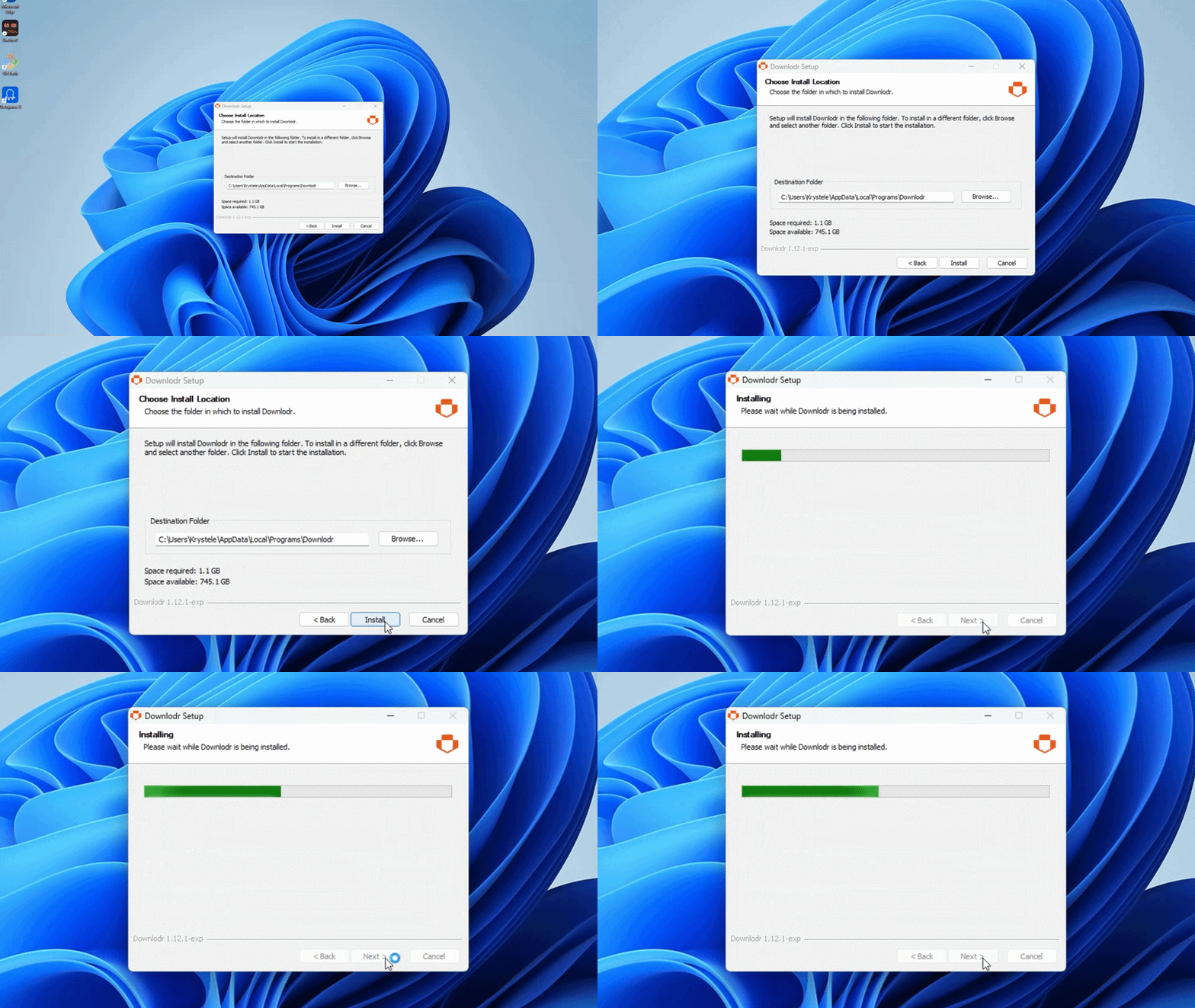
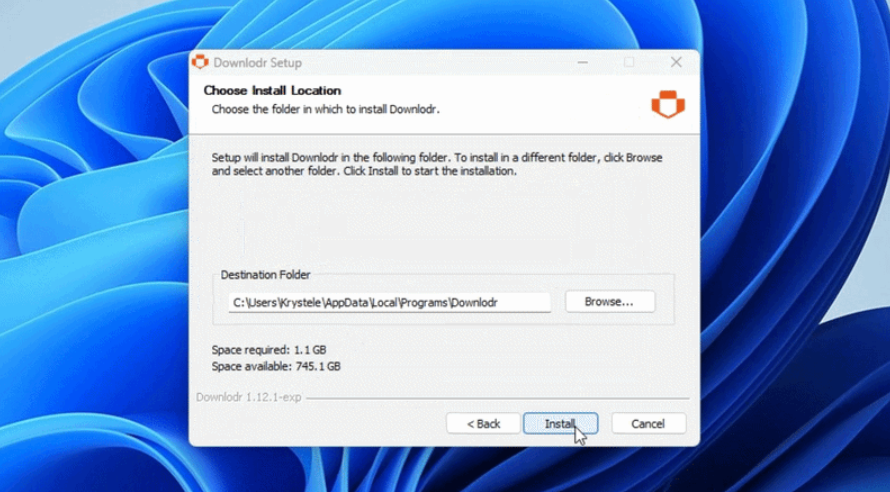
Install Downlodr on Windows, macOS, or Linux. The app is free and open source (MIT License) — source code at github.com/Talisik/Downlodr.
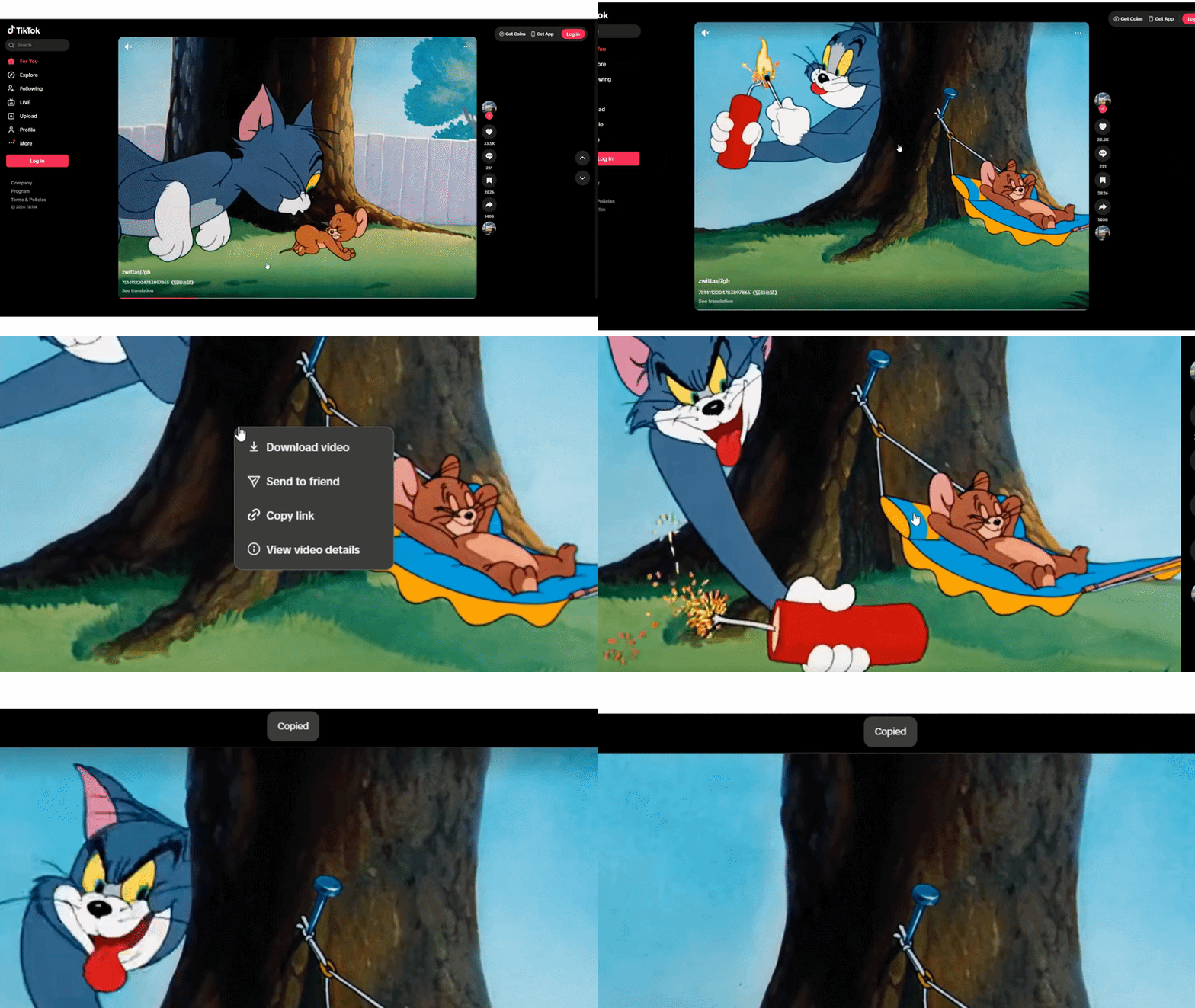
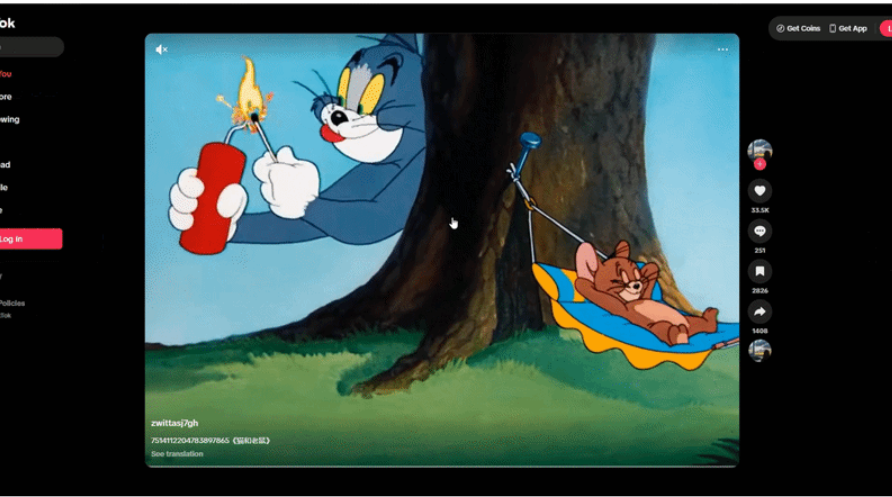
Copy the TikTok video link. Open the video in TikTok (mobile or web), tap Share, and copy the URL. The link looks like https://www.tiktok.com/@username/video/123456789.
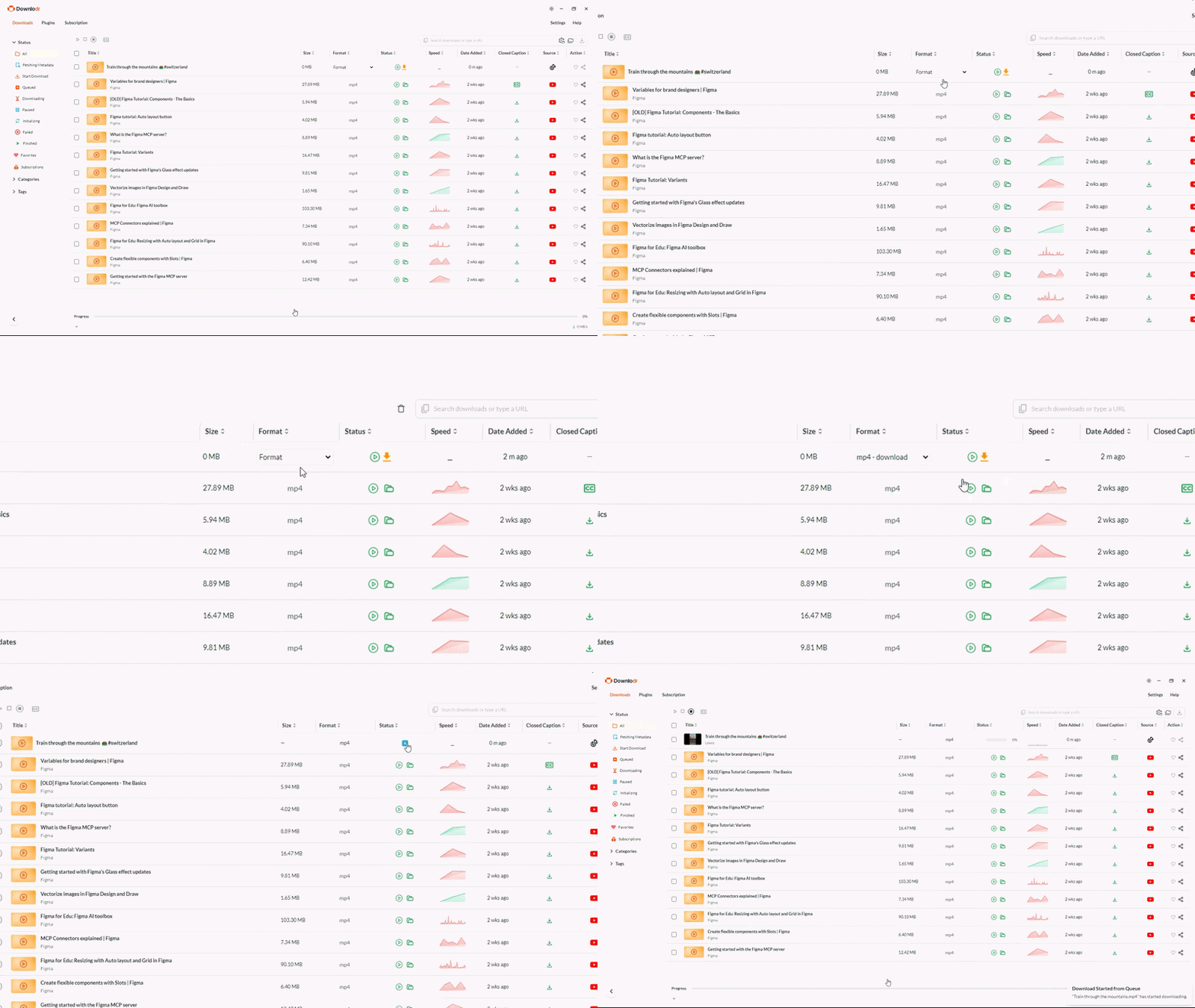
Paste the link into Downlodr. The app fetches video details automatically, including the available qualities and the option to download audio only (good for TikTok sounds you want as MP3).
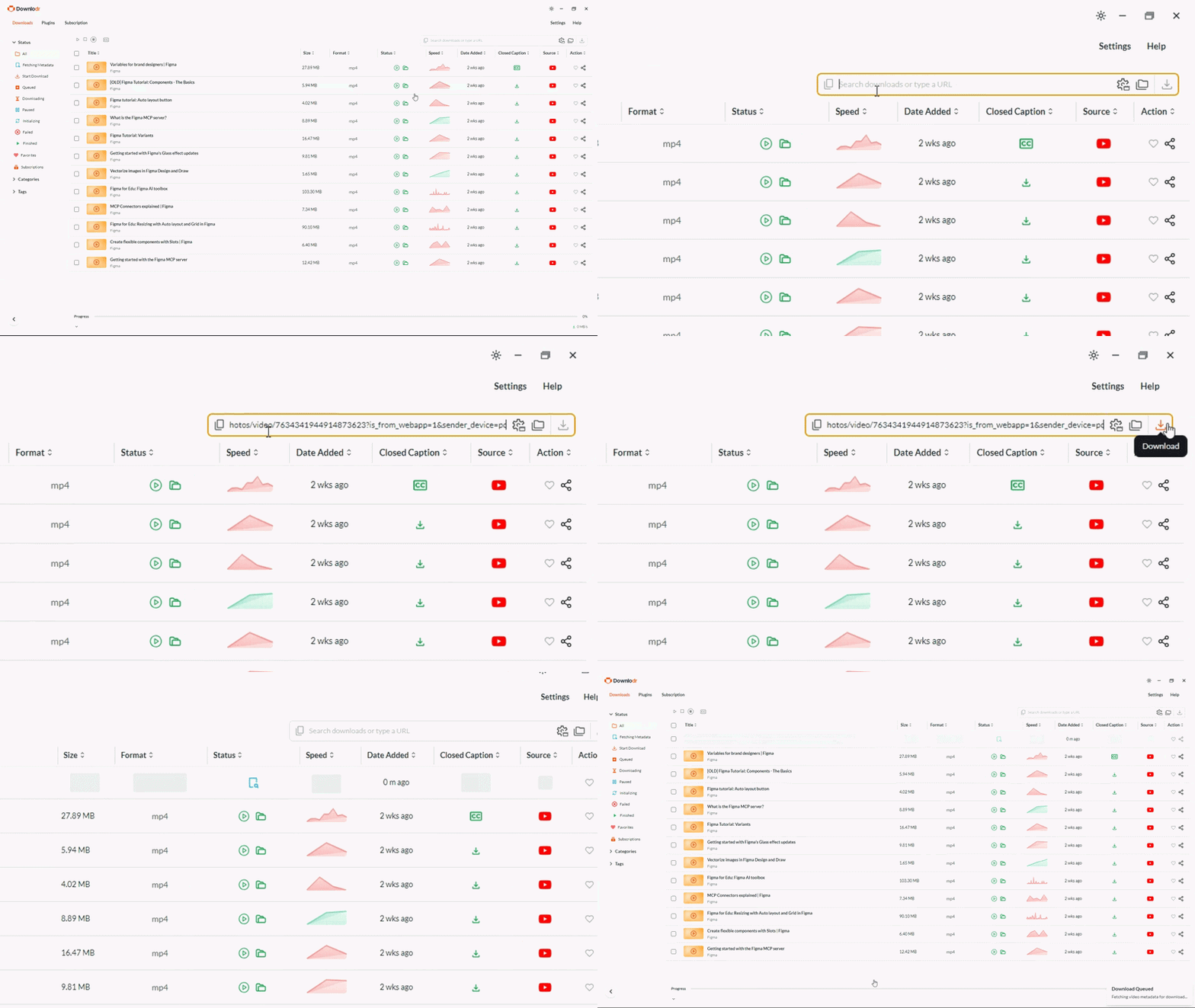
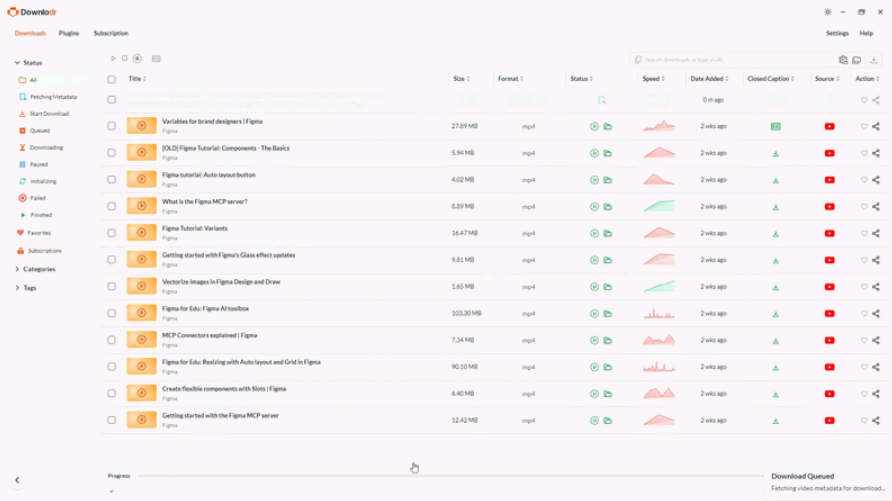
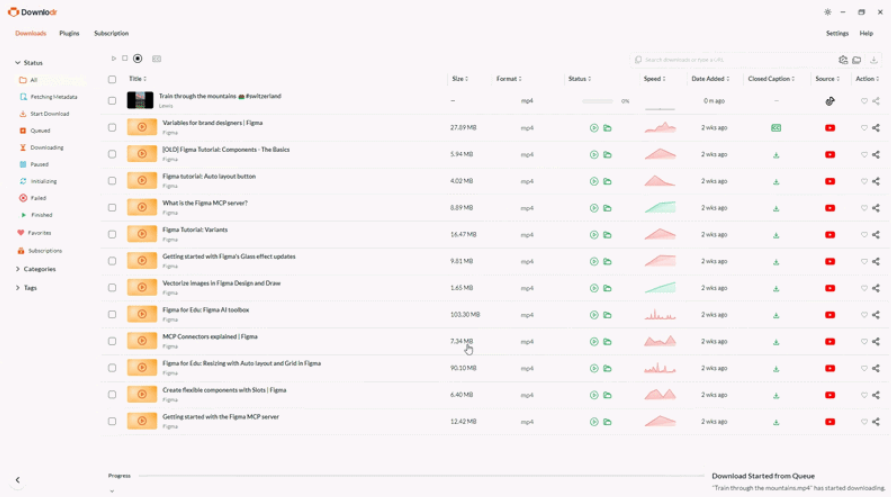
Click Download. The video downloads to your chosen folder as a clean MP4 — no watermark, no TikTok logo overlay, no “captured from TikTok” badge.
Why no watermark — the technical reason
TikTok’s own “Save video” button adds a watermark with the creator’s username and the TikTok logo to the downloaded file. This is a TikTok-imposed marking applied during the save flow. Downlodr fetches the underlying source video stream that TikTok delivers to playback, which is the same file before TikTok’s save-flow watermarking is applied. The result is a clean MP4. This is the default behavior — there is nothing to toggle.
Use responsibly. TikTok’s Community Guidelines and Terms of Service prohibit unauthorized downloading and re-sharing of creators’ work. Downlodr is a tool for saving content you have rights to use — your own uploads, content released under Creative Commons or similar permissive licenses, content the creator has given you permission to save, or personal archival of public posts. Always credit creators, respect their wishes, and follow TikTok’s rules when sharing content.
What makes Downlodr different from TikTok download websites
Free TikTok download websites (SnapTik, SSSTik, SaveTT, ssstik.io, and dozens of similar sites) all use the same business model: free web tool funded by ad networks. The download works most of the time, but the experience runs through pop-up ads, redirect chains, and pages that send your TikTok URL to their servers for processing. Downlodr is a desktop app — no web layer, no ad network, no third-party server in the path between you and the file.
| Feature | TikTok download websites | Downlodr |
|---|---|---|
| Watermark on download | Usually removed | Removed (clean source) |
| Pop-up ads & redirects | Many, every download | None |
| Sends TikTok URL to their server | Yes — remote processing | No — local on your machine |
| TikTok account / login required | No | No |
| Audio-only download (MP3) | Limited / inconsistent | Yes — one click |
| Batch download (multiple videos at once) | Manual, one at a time | Yes — paste many URLs |
| Works for non-TikTok sites | TikTok only | 1,800+ sites (YouTube, Instagram, Twitter, etc.) |
| Cost | "Free" with ads & tracking | Free, no ads, no tracking |
Features built for TikTok downloads
Downlodr is a free desktop video downloader built on the open-source yt-dlp engine, which the entire archival community maintains TikTok support for. Five capabilities matter specifically for TikTok workflows. Clean source download means the file you save is the underlying stream TikTok delivers to playback, without watermark overlay — useful for personal saves, content you have rights to, or your own uploads. Audio extraction downloads just the audio track as MP3 or M4A, which is the common workflow for creators saving TikTok sounds for personal reference. Quality selection covers what TikTok serves — TikTok compresses all videos to 1080p maximum (even ones uploaded in 4K), so 1080p is the practical ceiling for any TikTok download from any tool. Batch downloads let you paste multiple TikTok URLs at once — useful when saving a creator’s series or a hashtag’s top posts. Cross-platform reach means the same app that saves TikTok also handles Instagram Reels, YouTube Shorts, Twitter/X video, and 1,800+ other sites, so you don’t need a separate tool for each platform.
For example: a teacher building a media-literacy lesson around how short-form video edits influence perception can save a curated set of public TikToks, Instagram Reels, and YouTube Shorts into one local folder using Downlodr, then play them side-by-side in class without depending on a stable internet connection.
Frequently asked questions
Downloading content you have the right to use — your own uploads, content released under permissive licenses like Creative Commons, content the creator has given you explicit permission to save, or personal archival of public posts — is legal in most jurisdictions. TikTok’s Terms of Service prohibit unauthorized downloading via their interface, which is a contractual matter between you and TikTok. Downlodr is a tool; how you use it is your responsibility. Always respect creator rights and follow TikTok’s Community Guidelines when sharing content.
Yes. Downlodr saves the underlying source video that TikTok delivers to the playback player, which is the clean version before TikTok’s save-flow watermark is applied. The file you receive is a standard MP4 with no TikTok logo overlay and no username badge. This is default behavior — there is no setting to toggle.
No. Downlodr does not require a TikTok login, an email address, or any account for either Downlodr or TikTok. Paste any public TikTok URL and the download works. Private TikToks and content from accounts you do not follow may not be accessible, just as they would not be on the TikTok web.
Yes. Downlodr lets you pick audio-only as the output format (MP3 or M4A) before downloading. This is the common workflow for creators saving TikTok sounds for personal reference. Note that TikTok sounds are themselves often licensed music — saving for reference is fine; re-uploading as your own audio is a copyright matter.
Downlodr handles individual TikTok video URLs reliably. Bulk downloads of an entire profile or a hashtag depend on the underlying yt-dlp engine’s TikTok extractor capabilities, which evolve as TikTok changes its site structure. For consistent profile-level archival, paste each video URL individually or use Downlodr’s batch-download feature with a prepared list of URLs.
1,800+ sites including YouTube, Instagram (Reels, Stories, posts), Twitter/X, Facebook, Twitch, Vimeo, Reddit, SoundCloud, Bandcamp, and most podcast hosts. The list updates continuously as the open-source yt-dlp engine adds support for new platforms.
Downlodr is open source under the MIT License — the full source code is on GitHub at github.com/Talisik/Downlodr so you can verify it yourself. On Windows, the first time you run the installer you will see a SmartScreen “Windows protected your PC” warning because Downlodr’s installer is not yet signed with a Microsoft EV certificate. This is the same warning many small-team open-source apps trigger and is different from being flagged as malware. To install, click “More info → Run anyway.” For extra confidence, submit the installer to VirusTotal before running.
Three reasons: pop-up ads (TikTok download websites are ad-funded; Downlodr has none), privacy (websites send your URL to their server; Downlodr processes locally), and reach (one app for TikTok plus 1,800+ other sites instead of bookmarking a different site for each platform).
Download Downlodr
Free for Windows, macOS, and Linux. Open source under MIT License. No ads, no TikTok account required.
Download Downlodr — Free, No Catch